
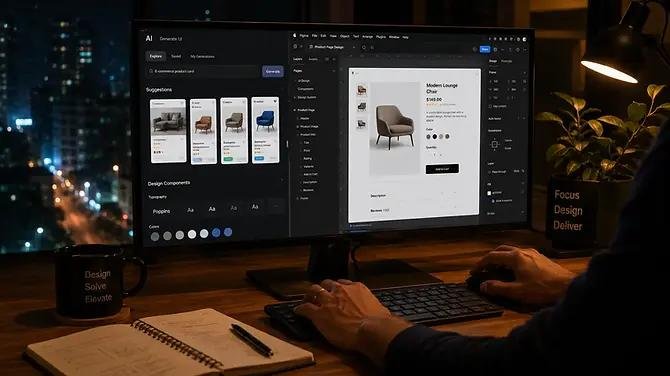

AI UI/UX Design is transforming the way digital products, websites, mobile applications, and software interfaces are designed in 2026. Artificial intelligence is helping designers research users, generate layouts, create prototypes, analyze behavior, personalize experiences, and improve usability faster than traditional design workflows.
However, AI is not replacing the role of UI/UX designers. Instead, it is becoming a powerful design partner that helps professionals spend more time on strategy, creativity, accessibility, and solving real user problems.
What Is AI UI/UX Design?
AI UI/UX design refers to using artificial intelligence throughout the user interface and user experience design process.
- User research and behavior analysis
- UI layout generation
- Wireframe creation
- Design system development
- Content generation
- Image and visual asset creation
- Prototype generation
- Usability analysis
- Accessibility improvements
- Personalization
- Design testing
- User journey optimization
The combination of human creativity and AI-powered design tools allows teams to create digital experiences more efficiently while maintaining a strong focus on users.
Why AI Is Important for UI/UX Design in 2026
Modern users expect websites and applications to be fast, intuitive, accessible, personalized, and visually engaging.
Traditional UI/UX design can require extensive research, brainstorming, wireframing, prototyping, testing, and iteration. AI can accelerate many of these activities.
1. Faster Design Ideation
Designers can use AI to generate multiple design concepts quickly.
Instead of spending hours creating initial concepts manually, a designer can describe a product, target audience, brand style, and required features and use AI to explore different interface directions.
This makes it easier to compare ideas before investing significant development time.
2. AI-Powered User Research
Understanding users is one of the most important parts of UX design.
AI can help analyze:
- Customer feedback
- Survey responses
- Reviews
- Support conversations
- Website behavior
- Search queries
- Product feedback
Design teams can use these insights to identify recurring problems and discover opportunities for improving the user experience.
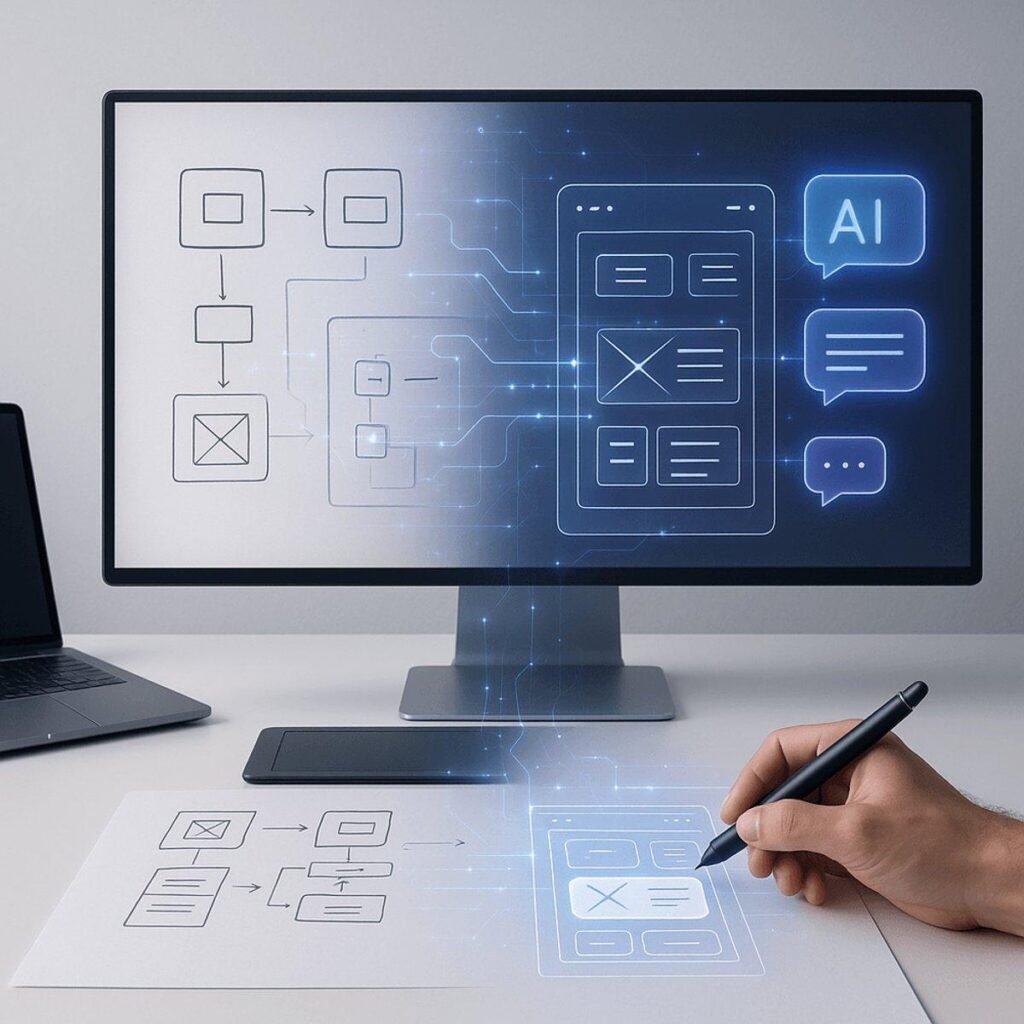
3. Automated Wireframing and Prototyping
AI-powered design platforms can help transform ideas into wireframes and prototypes.
For example, a product team might define a flow such as:
Homepage → Product Search → Product Details → Cart → Checkout → Confirmation
AI can help designers visualize this journey and quickly experiment with different layouts.
4. Personalized User Experiences
Personalization is becoming increasingly important in digital products.
AI can analyze user behavior and help deliver more relevant:
- Content
- Product recommendations
- Navigation
- Notifications
- Offers
- Search results
- User interfaces
For example, an e-commerce website can adapt product recommendations based on browsing behavior and previous interactions.
5. Smarter UX Testing
AI can help identify potential usability issues before a product reaches a large audience.
Design teams can analyze user flows and identify areas where users may experience:
- Confusion
- Excessive clicks
- Poor navigation
- Weak calls to action
- Difficult forms
- Accessibility problems
AI-assisted analysis can help designers prioritize improvements.
Top AI UI/UX Design Trends in 2026
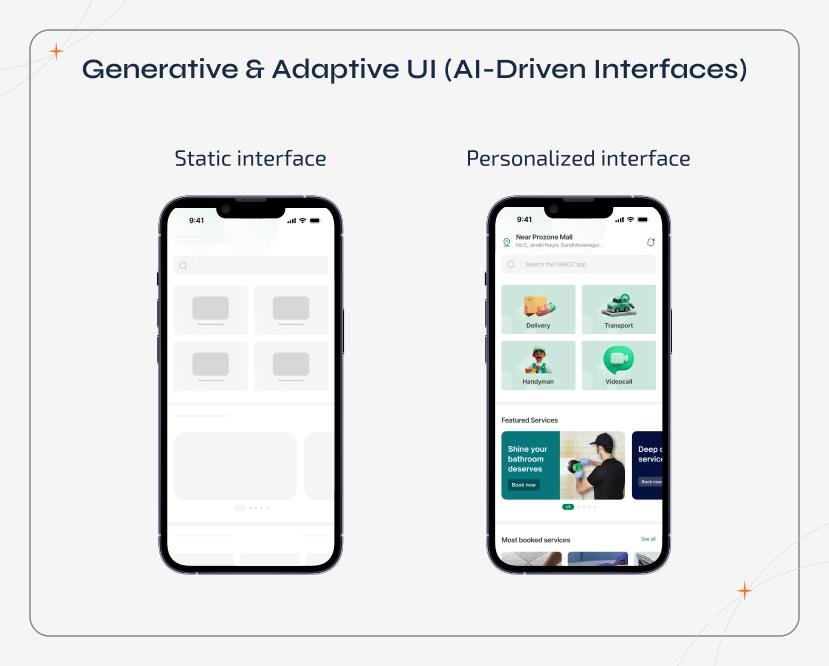
1. Generative UI
Generative UI is one of the most important developments in modern interface design.
Instead of displaying exactly the same interface to every user, AI can dynamically generate or modify interface elements based on the user’s context, behavior, and needs.
This could lead to interfaces that become more adaptive and personalized.
2. AI-Powered Design Systems
Design systems are becoming more intelligent.
AI can help designers maintain consistency across:
- Colors
- Typography
- Buttons
- Cards
- Forms
- Navigation
- Spacing
- Components
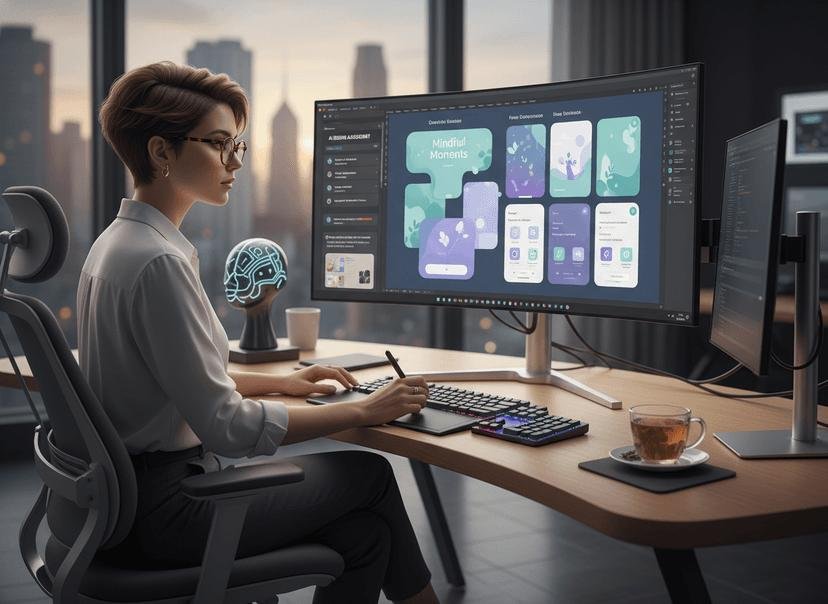
AI can also help identify inconsistencies and suggest improvements.
3. Conversational Interfaces
AI assistants and conversational interfaces are becoming a major part of digital experiences.
Instead of navigating through multiple menus, users can increasingly communicate with products using natural language.
For example:
Traditional:
Search → Filters → Category → Product → Checkout
AI-assisted:
“Find me a lightweight laptop under ₹70,000 for graphic design.”
The interface can then provide relevant results and guide the user through the next steps.
4. Multimodal UX
Modern AI systems can work with multiple forms of input, including:
- Text
- Voice
- Images
- Video
- Gestures
This creates opportunities for more natural interfaces.
Users may be able to speak to an application, upload an image, and interact with visual elements within the same experience.
5. Voice User Interfaces
Voice interaction continues to expand beyond traditional voice assistants.
Websites and applications can integrate voice capabilities for:
- Search
- Navigation
- Form completion
- Customer support
- Accessibility
- Productivity
Designers therefore need to consider conversational UX alongside traditional visual interfaces.
6. AI-Driven Accessibility
AI can help designers create more inclusive digital experiences.
Potential applications include:
- Image descriptions
- Improved color contrast
- Caption generation
- Voice navigation
- Text simplification
- Keyboard-navigation analysis
- Accessibility issue detection
Accessibility should remain a fundamental part of UX strategy rather than an afterthought.
7. Predictive UX
AI can analyze user behavior and predict what users may need next.
For example, a productivity application could identify frequently repeated actions and surface relevant tools automatically.
Predictive UX can reduce unnecessary navigation and make products feel more intelligent.
Best AI Tools for UI/UX Designers in 2026
AI capabilities are now integrated into many stages of the design workflow.
Popular tools and platforms include:
- Figma and its AI-powered features
- Adobe Firefly
- ChatGPT
- Google Gemini
- Microsoft Copilot
- Framer AI
- Uizard
- Relume
- Midjourney
- Runway
The best tool depends on the project, workflow, budget, design requirements, and development environment.
Rather than relying on one AI platform, professional designers can combine several tools for research, ideation, visual design, content, prototyping, and testing.
AI vs Human UI/UX Designers
A common question in 2026 is:
Will AI replace UI/UX designers?
The more realistic answer is that AI will change the role of designers rather than simply eliminate it.
AI is good at:
- Generating variations
- Processing large amounts of information
- Automating repetitive tasks
- Producing initial concepts
- Summarizing research
- Analyzing patterns
Human designers remain essential for:
- Understanding business goals
- Empathy and user understanding
- Strategic thinking
- Creative direction
- Brand interpretation
- Ethical decisions
- Complex problem-solving
- Design judgment
- Stakeholder communication
The strongest workflow is therefore:
Human Strategy + AI Assistance + Human Validation
How AI Changes the UI/UX Design Workflow
A traditional design workflow might look like:
Research → Wireframes → UI Design → Prototype → Testing → Development
An AI-assisted workflow can become:
Research → AI Analysis → Ideation → AI-Assisted Wireframes → Human UI Design → AI-Assisted Testing → Human Validation → Development
The designer remains responsible for the final experience.
Benefits of AI in UI/UX Design
Faster Production
AI can reduce the time required for repetitive design activities.
More Design Exploration
Designers can generate and compare more concepts before selecting a final direction.
Better Data Analysis
AI can process large amounts of feedback and identify patterns that might otherwise take considerable time to discover.
Improved Personalization
AI enables interfaces to adapt to individual users and contexts.
Increased Productivity
Designers can spend less time on repetitive tasks and more time solving important user and business problems.
Faster Prototyping
Teams can move from an idea to an interactive prototype more quickly.
Challenges of AI UI/UX Design
AI-powered design also introduces challenges.
Lack of Human Understanding
AI can recognize patterns, but it does not automatically understand the emotional and cultural context behind every user decision.
Generic Designs
AI-generated interfaces can sometimes look similar because they are based on common design patterns.
Accuracy Problems
AI-generated information can contain errors and must be reviewed before being used in a product.
Privacy Concerns
Design teams must be careful when using sensitive customer data with AI systems.
Accessibility Risks
AI-generated designs may still contain accessibility problems unless designers actively test and validate them.
Overdependence on AI
AI should support design thinking rather than replace it.
Best Practices for AI-Powered UI/UX Design
To use AI effectively, designers should follow a human-centered approach.
1. Start With the User
Do not begin with the AI tool. Begin with the user’s problem.
2. Define the Business Goal
Understand what the product needs to achieve.
3. Use AI for Exploration
Generate multiple possibilities instead of accepting the first AI-generated solution.
4. Validate Everything
Review AI-generated layouts, content, research, and recommendations.
5. Maintain Brand Consistency
AI-generated designs should follow the company’s visual identity and design system.
6. Prioritize Accessibility
Test interfaces for readability, contrast, keyboard navigation, screen readers, and other accessibility requirements.
7. Protect User Data
Follow appropriate privacy and security practices when using AI with user information.
8. Keep Humans in the Loop
The final design decision should remain with qualified designers and product teams.
The Future of AI UI/UX Design
The future of UI/UX design is likely to become more adaptive, intelligent, conversational, and personalized.
Interfaces may increasingly respond to user intent instead of requiring users to navigate rigid menus and workflows.
Designers may spend less time creating every interface element manually and more time defining:
- User journeys
- Interaction models
- Design systems
- AI behavior
- Product strategy
- Accessibility standards
- Brand experiences
This means the role of the UI/UX designer is likely to evolve from screen designer toward experience strategist and interaction designer.